
Transcribe audio. Import subtitles.
Generate timed dialogue with optional speaker detection. Review the transcript before adding it to the timeline, or import an existing SRT or VTT subtitle file.
Record dialogue, create dub packs, and export videos.
Apple M-series chips
Intel processors
 WindowsGo to Microsoft Store
Microsoft Store
App Store
Join the test group first
Sintel · The journey6 dialogue clips · 3 characters
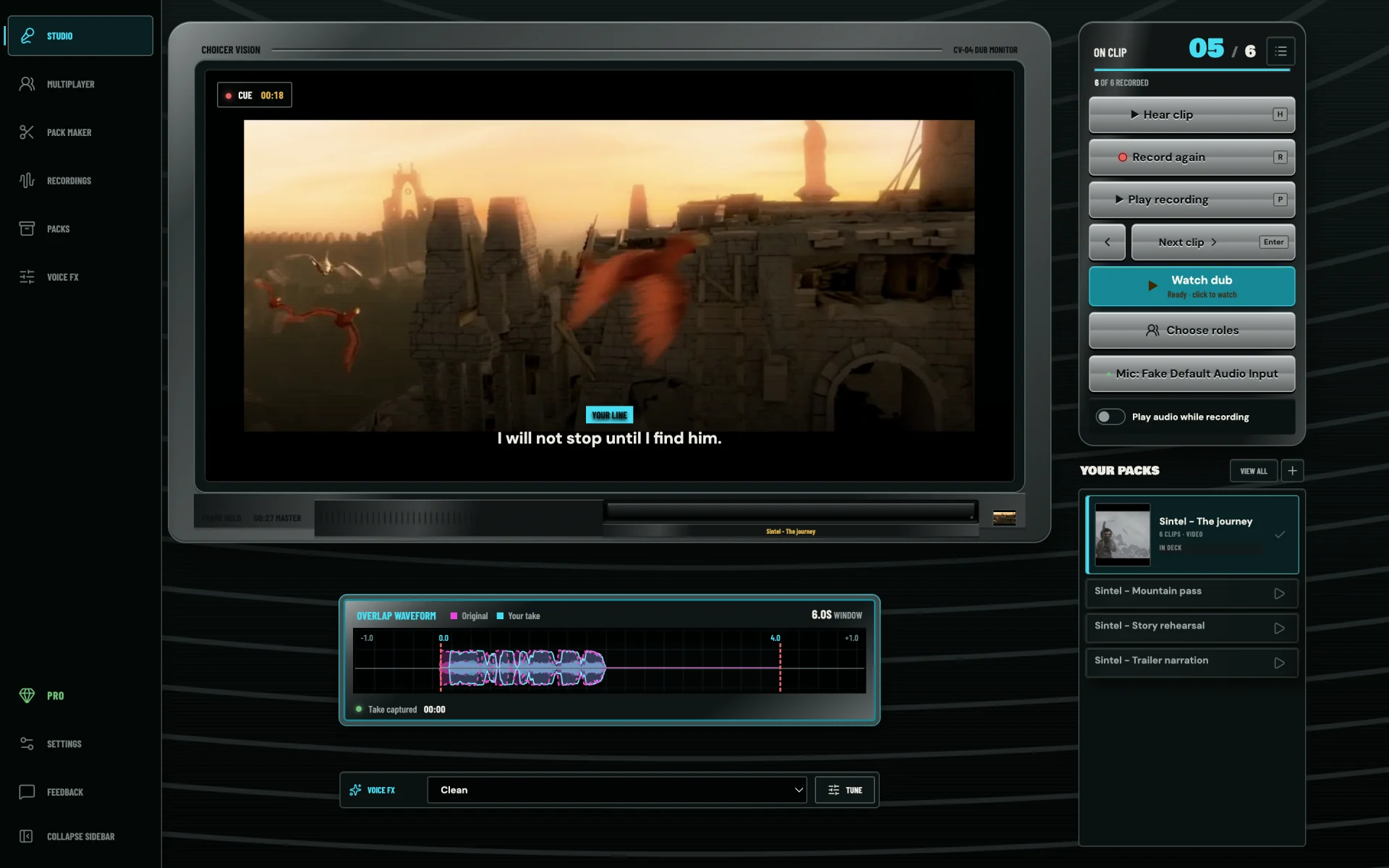
01 RECORDING STUDIO
Watch the scene, listen to the original line, and record your take with the dialogue in view. Play it back, record another take, or move to the next clip.
Choose the characters you want to dub, set a recording countdown, and select your microphone. Your clip progress stays visible as you work through the pack.
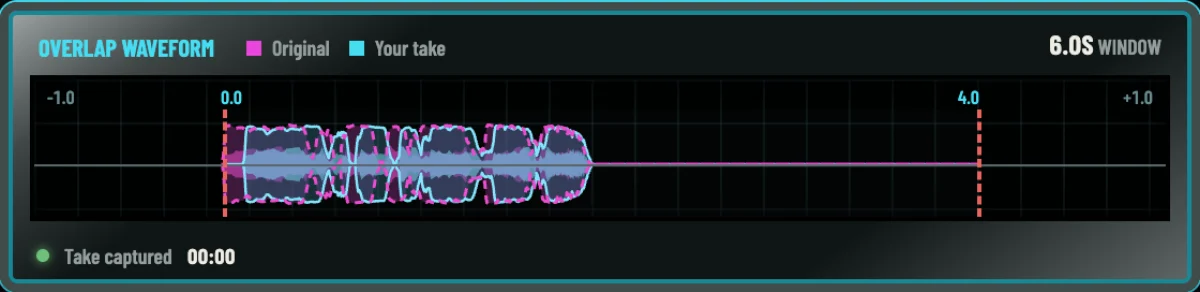
Overlaid waveforms put both recordings on the same timeline, so you can see where your delivery starts, ends, and pauses.
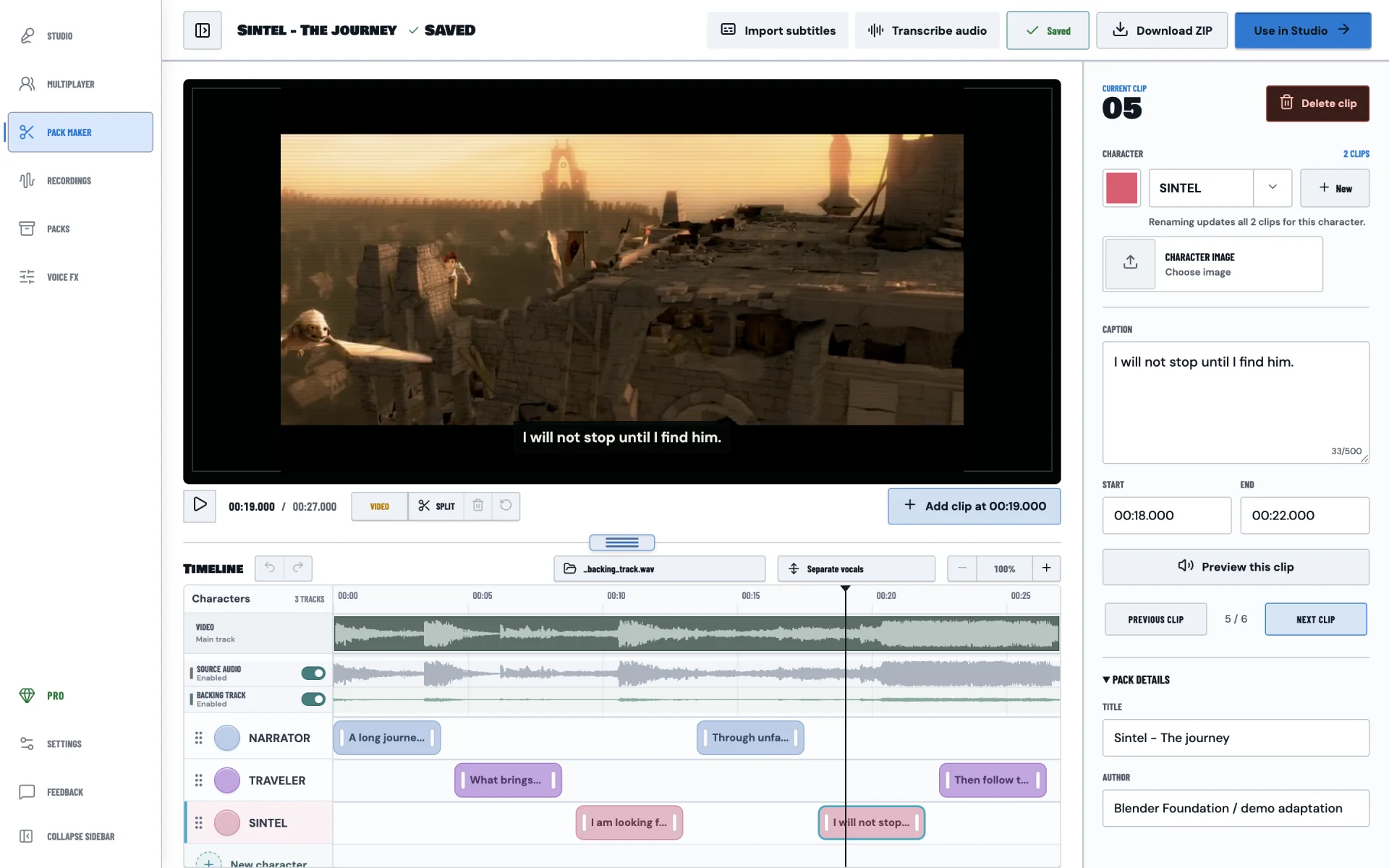
02 PACK MAKER
Import a video and divide the dialogue into clips. Trim the video, adjust each line's start and end time, and edit captions beside the preview.
Organize characters on separate timeline tracks, with names, colors, and images. Save your project, undo edits, and open the finished pack in Studio or export it as a ZIP.
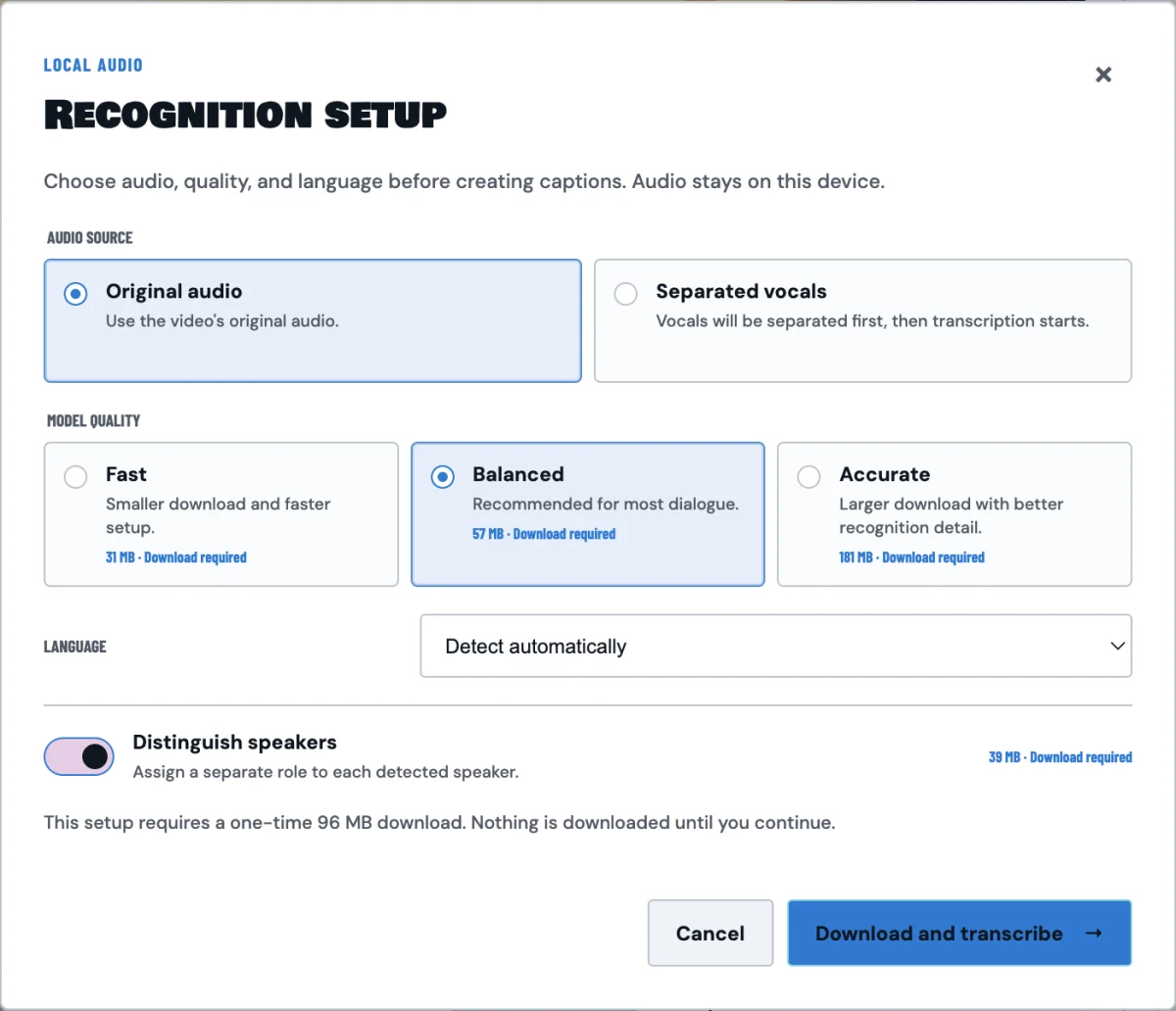
03 TRANSCRIPTION & VOCAL SEPARATION
Generate timed dialogue with optional speaker detection. Review the transcript before adding it to the timeline, or import an existing SRT or VTT subtitle file.
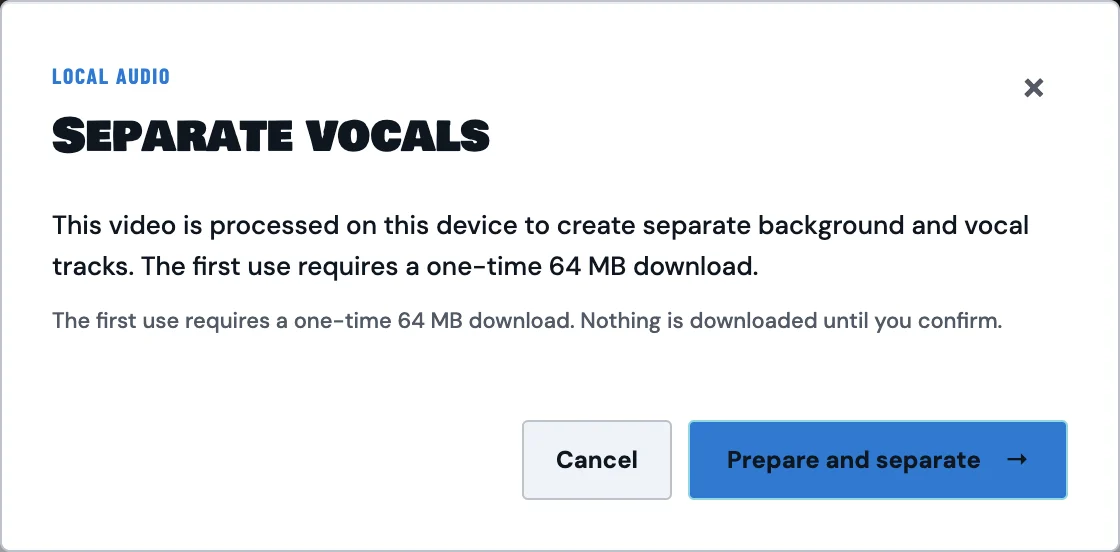
Process audio locally to split vocals and the backing track. Preview the source, vocals, and background independently, or import a backing track to accompany your dub.
04 VOICE FX
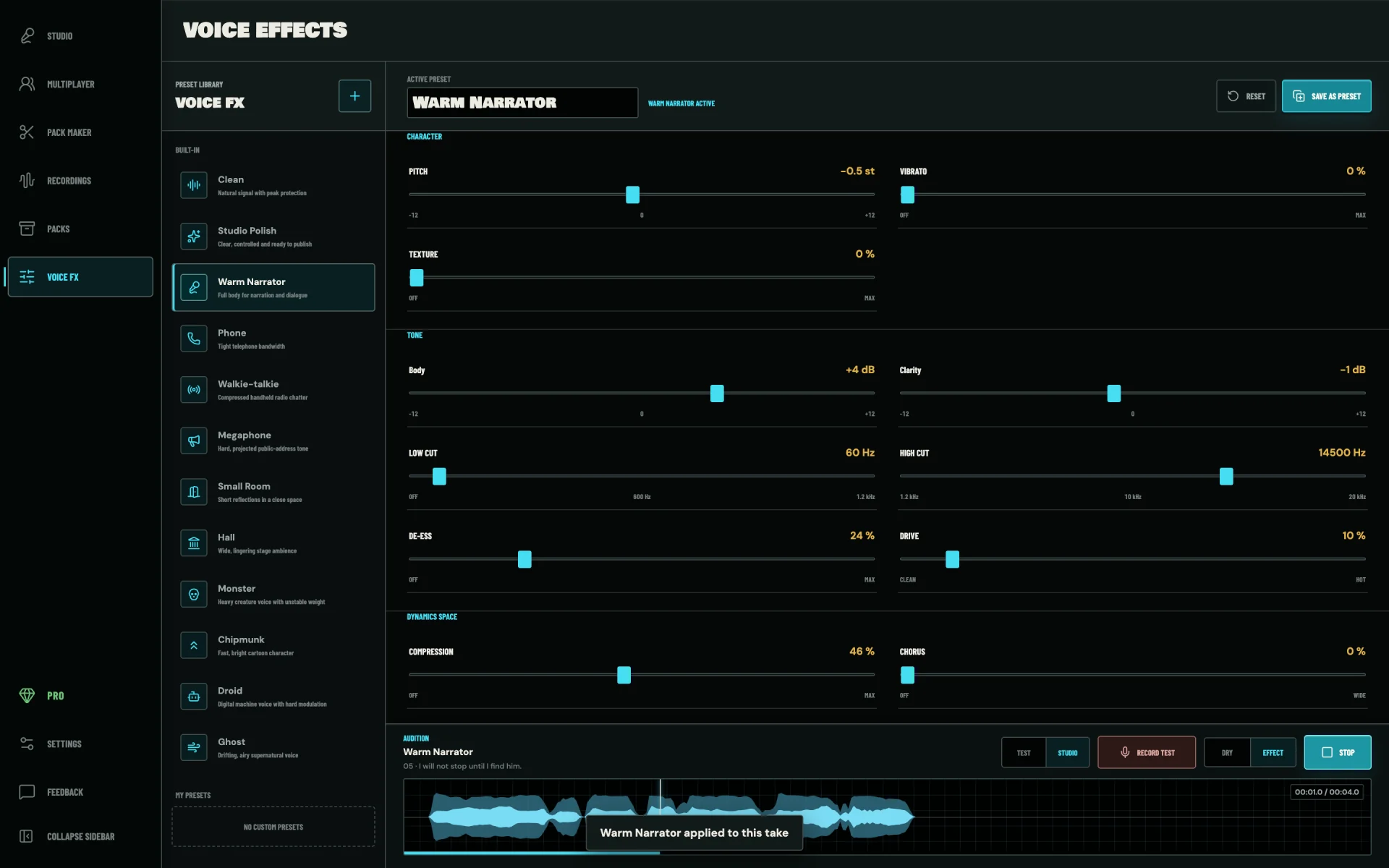
Start with a voice preset, then adjust pitch, tone, compression, and spatial effects. Preview changes with a Studio take or a new test recording.
Compare the original voice with the processed result, refine the settings, and save your own presets for the next character or recording session.
05 MULTIPLAYER
Create a room and share the invite or room code. Each player loads a compatible pack and chooses their characters, so everyone knows which lines to record.
Check who's connected and ready, then start the session. Each person records their assigned dialogue while the app syncs takes and tracks progress. Play back the combined dub when the group finishes.
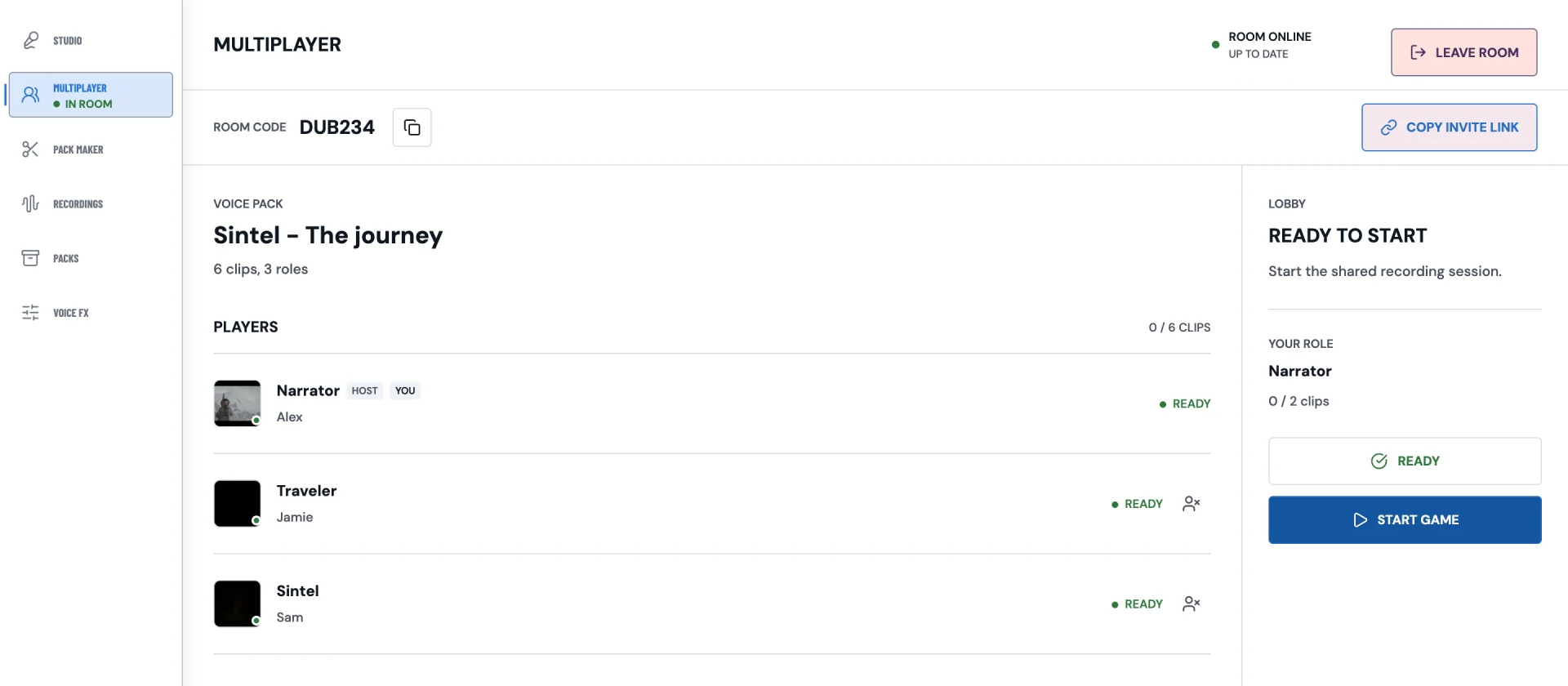
Invite friends with a link or a room code.
Assign roles and check that everyone is ready.
Record your lines and play back the shared result.
06 PACKS, RECORDINGS & EXPORT
Keep imported packs and saved recording sessions in dedicated libraries. Browse your material, resume a session, and export the finished dub when it is ready.
Import ZIP, RAR, or 7z pack archives. Search and sort your collection, then open a pack in Studio to record or in Pack Maker to edit.
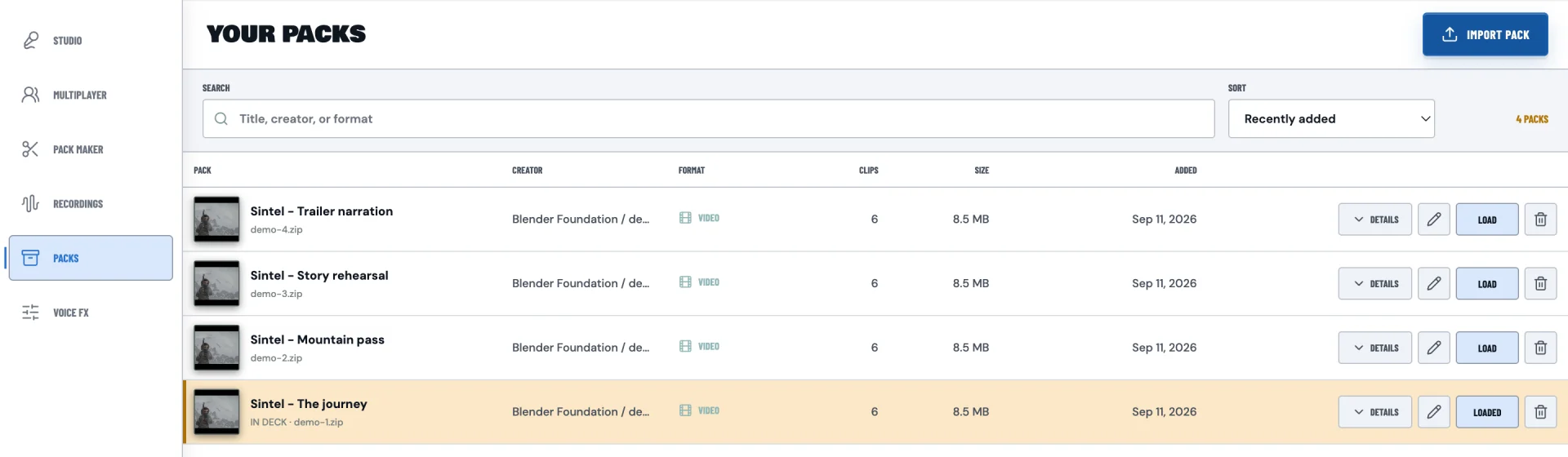
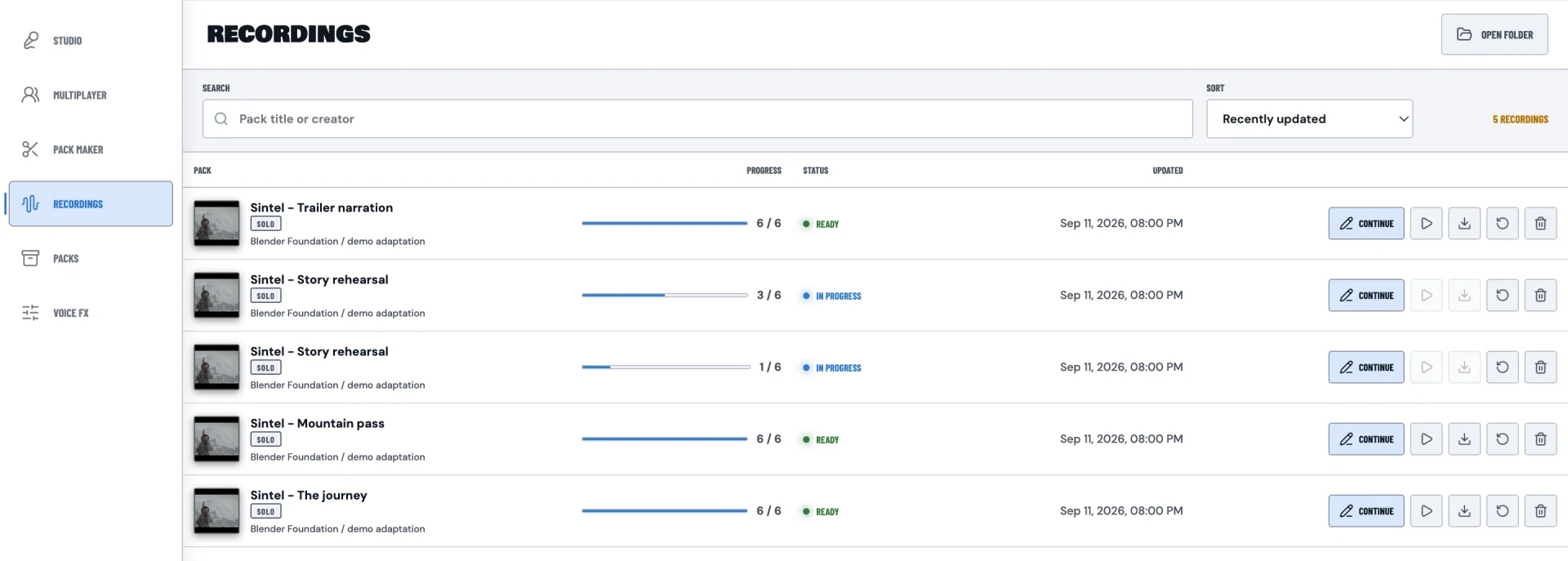
See recording progress for each session, continue unfinished dialogue, and preview completed dubs. Export the video, adjust subtitle options, or start a fresh recording of the same pack.
Six interface themes. Choose a light or dark workspace in Settings.
Four interface languages. English, Chinese, Portuguese, and Spanish.
Example projects use adapted scenes from Sintel, © Blender Foundation, CC BY 3.0. Example dialogue, recordings, and multiplayer participants are for demonstration.
DOWNLOAD INFORMATION
Open the Apple menu and select About This Mac. An Apple M-series chip needs the Apple Silicon download. An Intel processor needs Intel Mac.
See Microsoft Store for Windows requirements.
macOS 12 Monterey or later and a microphone for recording. Optional transcription and separation models require additional downloads and disk space.
Manage desktop access and your activation code in your Studio account. The web studio is also available to try for free.