
Voice packs
Pick a scene
Open a pack for its download link and performance notes.
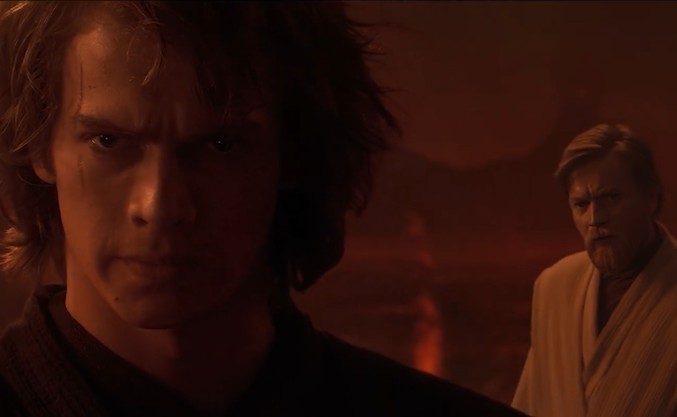
Star Wars
The confrontation at the end of Revenge of the Sith. A two-hander, so it is the best one to split with another person.


 Sensitive content
Family Guy
A fast 14-line scene from the adult animated comedy. Check the content warning before playing.
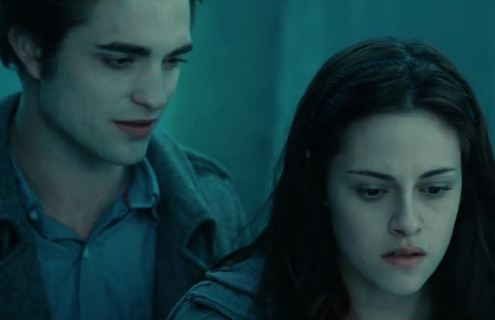
Twilight
Bella confronts Edward in the woods. A melodramatic two-person scene with room for comic timing.
A voice pack is the material you dub over: a set of clips, each with the original line's audio, a still or video for the scene, and the line as written. The studio ships empty and you bring the pack — download one the community has made, or build your own.
Community packs are made by their authors and often use material from adult comedy or animation. Check what a pack contains before playing it in front of other people.
Every pack here is free, made by a community author, and downloaded from GameBanana rather than hosted on this site.
What is inside a pack
- Line audio
- The original delivery for each clip, so you can hear the timing before recording.
- Scene visual
- A still image per line, or a video the studio holds on the right frame.
- Line text
- The line as written, shown across the bottom of the monitor while you record.
- Backing track
- Optional. Music and effects that keep playing while the dialogue is replaced.
- Pack info
- Title, author credit, and the icon used on the tape rack.
Getting a pack and importing it
Packs are published as ZIP files on the Choicer Voicer page on GameBanana. Download one and leave it zipped — the studio reads the archive directly. Nothing is uploaded: the ZIP is read on your device and never leaves it.
- In the studio, choose Upload pack ZIP in the tape rack.
- Drop the ZIP onto the import panel, or pick it with Choose Pack ZIP.
- Wait for the progress bar. The pack is unpacked into your browser's storage.
- The pack appears on the rack and stays there on your next visit.
Imported packs live in your browser, not on a server. Clearing your browser's site data removes them, and you would import the ZIP again to get them back.
Building your own pack
The Pack Maker does the file assembly for you. Choose a video, mark and caption the lines on its timeline, optionally add a backing track, and generate a ZIP that the Studio can import directly.